Design System MCP Servers: Who Has One and What They Actually Do
Figma, Storybook, zeroheight, Knapsack and Supernova all have MCP servers, but they are not the same kind of thing. What each covers and how to choose.
 Nezar MansourContent Writer
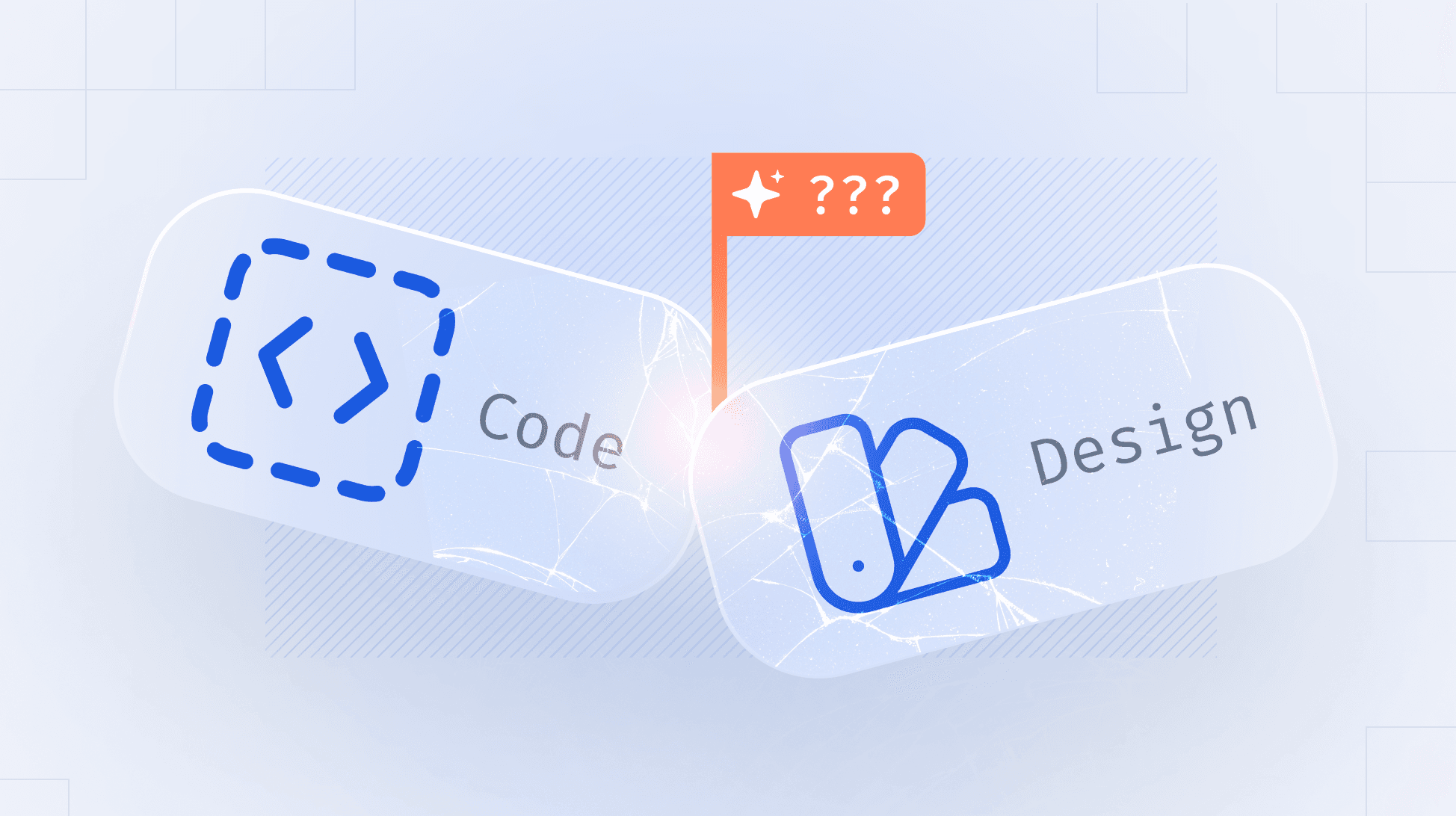
Not every MCP server in the design space is a design system MCP server.
MCP, the Model Context Protocol, is a standard way to connect an AI tool to a source of information. Connect your design system to an agent through one and it can ask questions instead of guessing. What is the spacing token for card padding. Which variants does the button have. Is this component deprecated.
Figma has an MCP server. So does Storybook, zeroheight, Knapsack and Supernova. They get listed together, which is where the confusion starts, because they are two different kinds of thing.
Source tools hold one input to your design system. Figma holds the design side. Storybook holds the code side. Their MCP servers are very good at their own layer.
Design system platforms hold the system: the tokens, the components, the documentation, and the connections between them.
A design system is not any one of those layers. It is the relationships between them. Figma knows a component exists. Storybook knows an implementation exists. Neither knows they are the same component, which one is canonical, what the usage rule is, or whether it was deprecated last month.
The source tools
Figma's MCP server is genuinely powerful, and its 24 published tools show exactly what it is for. use_figma creates and edits objects on the canvas. get_design_context returns layer structure and styling. add_code_connect_map links a Figma node to a code component. search_design_system searches your Figma libraries.
Every one of them operates on Figma files.
There is no tool for documentation, no tool for usage rules, no tool that knows a component is deprecated. And get_variable_defs, the closest thing to a token tool, returns the variables and styles used in your Figma selection, scoped to what you have selected, not your token system as a whole.
Storybook's MCP addon is narrower still, and honest about it: "help agents automatically write and test stories for your UI components." Excellent at implementations. Silent on everything else.
Connect both and an agent has two disconnected sources with no way to reconcile them.
What each one actually covers
| Figma | Storybook | zeroheight | Knapsack | Supernova | |
|---|---|---|---|---|---|
| Design tokens | Read/write, as Figma variables. Scoped to a selection | No | Read, as page content | Read | Read/write |
| Component structure | Read/write | No | Read, as page content | Read | Read/write |
| Component code | No | Read/write, as stories | No | Read | Read/write |
| Design to code mapping | Read/write, via Code Connect | No | No | Not documented | Read/write |
| Documentation and usage rules | No | No | Read | Read | Read/write |
| Publishing and releases | No | No | Read | Not documented | Read/write |
The gaps down the first two columns are the point. They are not deficiencies. Figma is a design tool and Storybook is a component workshop, and both do their own layer better than any design system platform does.
Inside the design system tier
Once you are comparing platforms that hold the whole system, the question becomes what an agent can do there.
| Platform | Read | Write | Notes | Source |
|---|---|---|---|---|
| zeroheight | Yes | No | Four tools, all retrieval: list-pages, get-page, get-page-images, list-releases. Page-oriented rather than entity-oriented | Docs |
| Knapsack | Yes | Not documented | Querying documentation, components and tokens. Announced as a beta in July 2025 | Blog |
| Supernova | Yes | Yes | Create and edit documentation, tokens and components. Bulk property changes across a group. Code automation pipelines | Supernova |
One structural difference worth noticing. zeroheight's MCP returns pages. Ask it about a token and you get the documentation page the token appears on. Supernova's returns entities: the token, its resolved value, the components using it. Same nominal capability, different shape of answer.
Checking this yourself: an MCP server publishes its tool list. get and list prefixes are retrieval. create, update, delete and publish are not. That is a faster answer than any product page.
The test that separates them
One question tells you which tier you need:
"A Figma component block appears on twenty pages in our documentation. Stop showing the component name on all of them."
Figma's server cannot reach it, because the change is not in a Figma file. Storybook's cannot, because it is not in a story. On a read-only documentation platform it is not a question you can ask.
The same shape covers most of a design system team's backlog:
- Change the token set for every token in the border-radius group
- Mark all button components deprecated
- Remove every mention of a sunset feature across the documentation
- Align ten component pages to the structure of the best one
None of these are exotic. They are the jobs that sit in a backlog for months because each one is a day of clicking.
On Supernova, everything the MCP does is also possible in the interface. What changes is speed, scale and working from wherever you already are. Publishing asks for confirmation twice, and every change lands in page history.
Limits and setup
| Call limits | Connecting | |
|---|---|---|
| Figma | Published rate limits by plan | Remote endpoint or desktop server |
| Storybook | Not published | npm install as an addon |
| zeroheight | 500/month on Free and Starter. Faster search on Enterprise | Remote link, or local server |
| Knapsack | Not published | Self-hosted, open source |
| Supernova | Unlimited on every plan including Free | One link. Skills bundled into the server, nothing to install |
Agents are chatty. An engineer running one against a component library gets through a few hundred calls quickly, so a monthly cap is worth checking against real usage rather than a demo.
How to choose
- Which layer is failing you? If agents get your Figma frames wrong, that is Figma's server. If they write bad stories, Storybook's. If they cannot tell what is canonical or current, that is a design system problem and neither will help.
- Do you need the relationships? Only a design system platform holds them.
- Read or write? If your problem is maintenance rather than consumption, read-only will not solve it.
- Can it scope? An agent handed the whole system performs worse than one handed the relevant slice, and pays for the difference in tokens.
- What are the limits and what does connecting involve?
Most teams should connect more than one. Figma's server for the canvas, a design system platform for the system. They answer different questions and neither replaces the other.
What changes next
A year ago this category was entirely read. Most teams should still start there, because consumption is where the immediate value is.
What has changed is that agents now act inside these tools. For a design system team the question is which surface that acting happens on, because the work that eats their week does not live in a Figma file or a story. It lives in the system that connects them.
Supernova's MCP gives agents the full design system to work from, and the ability to act on it. See how it works.
Give your agents a system worth following
See how Supernova documents, syncs, and serves your system in one place.