Structuring your variables for scale
Naming, grouping, and organizing variables (so future you doesn’t cry 😢)
Figma variables are incredibly powerful — but without structure, they can go off the rails fast. What starts as a clean setup can quickly become a mess of duplicated values, random names, and “wait, what does this do again?”

This chapter is here to help you build a variable system that’s scalable, understandable, and easy for your whole team to work with — not just the person who created it.
🏷 Start with a clear naming convention
Your variable names should tell you three things at a glance:
what it is, what it’s for, and where it belongs.
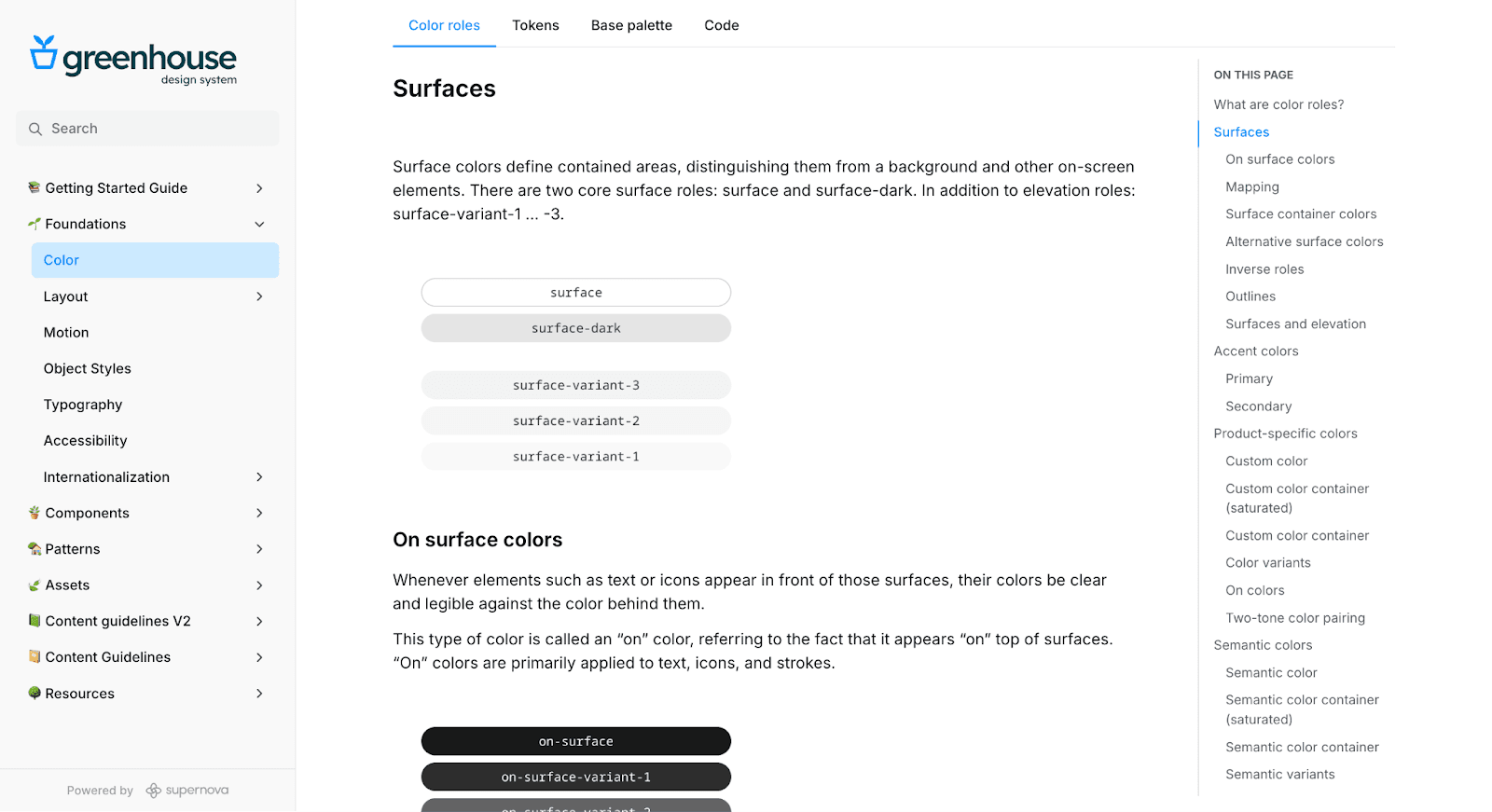
A solid pattern looks like this:
[purpose] / [category] / [specific role or size]
Examples:
color/bg/defaultcolor/text/secondaryspacing/xsradius/small
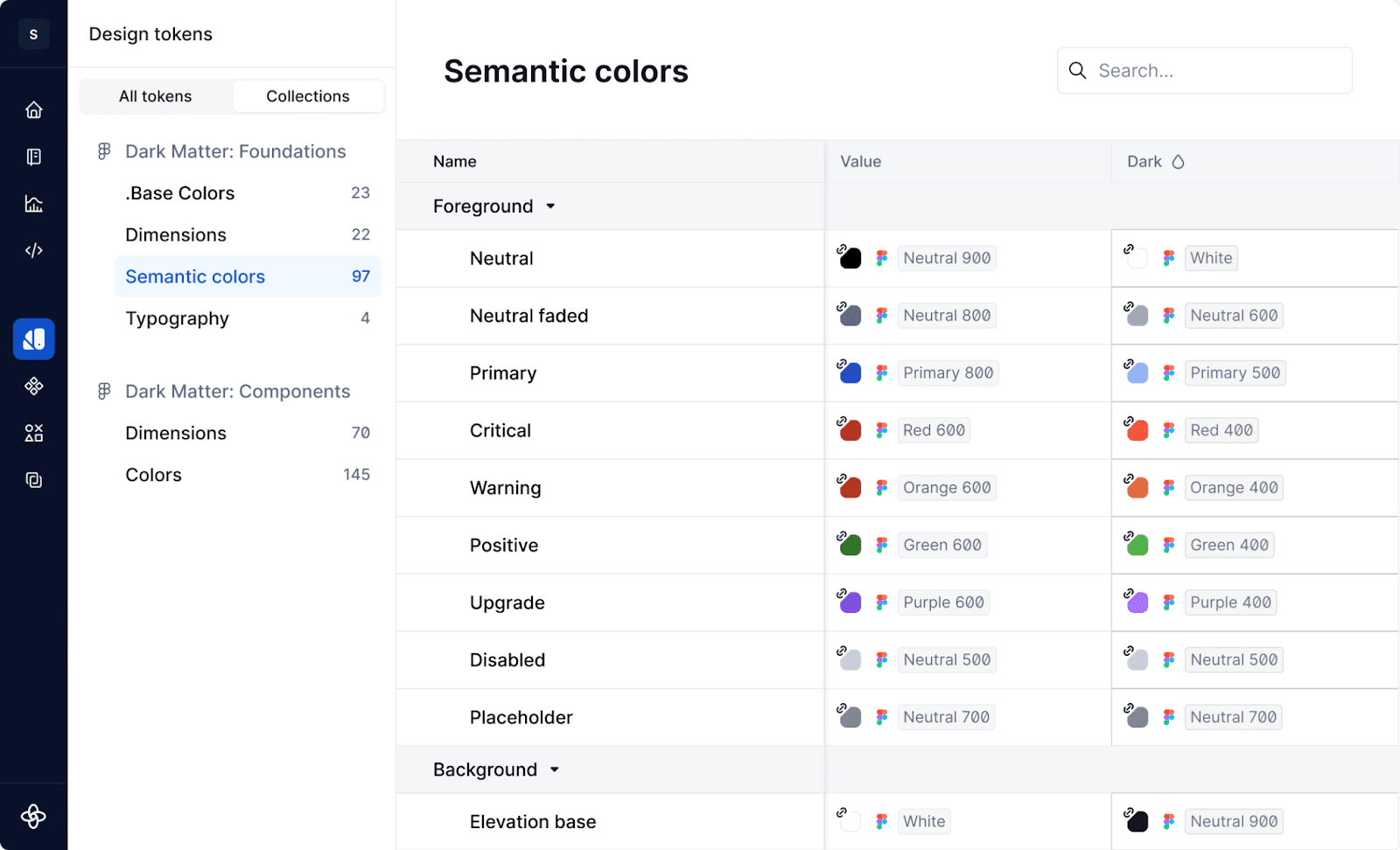
Tips for clean naming:
- Use lowercase and / to show hierarchy
- Avoid hardcoded names like button-blue — go for system logic instead
- Be consistent across collections and modes — even small inconsistencies add up
🗂 Make smart use of collections
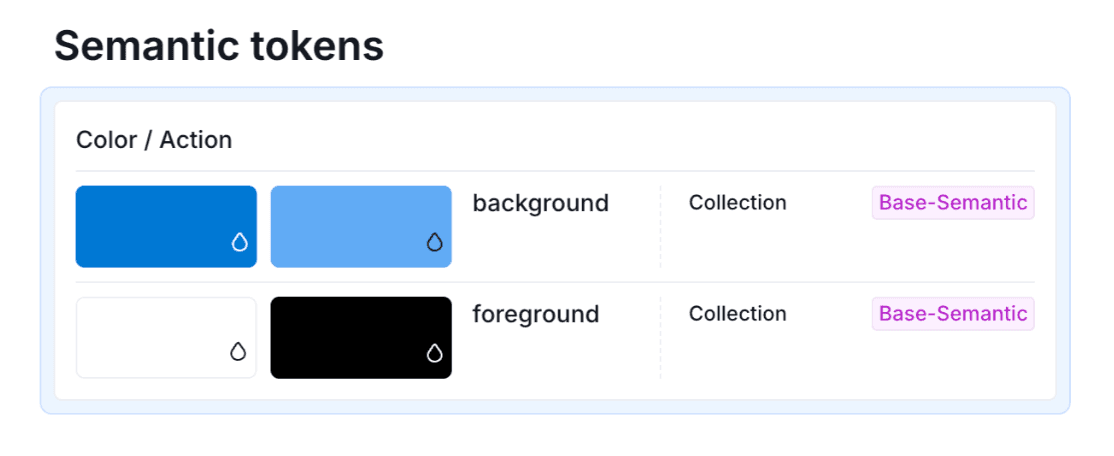
Collections in Figma are like folders for your variables. They also control which modes apply to which variables — so they’re more than just organizational tools.
There’s no single “correct” structure, but here are a few approaches that work well:
🔹 By type
- Colors
- Spacing
- Typography
- Border radius
🔹 By theme or brand
- Core
- Light Theme
- Dark Theme
- Brand A, Brand B
🔹 By system layer
- Foundation
- Components
- Tokens for Code
💡 Pro tip:
Supernova uses collections to define token sets. The more intentional your collection structure, the cleaner your token system will be when synced.
🧱 Define categories and scales
Use consistent naming scales to keep your system predictable — especially helpful when you’re exporting to code or managing responsive layouts.
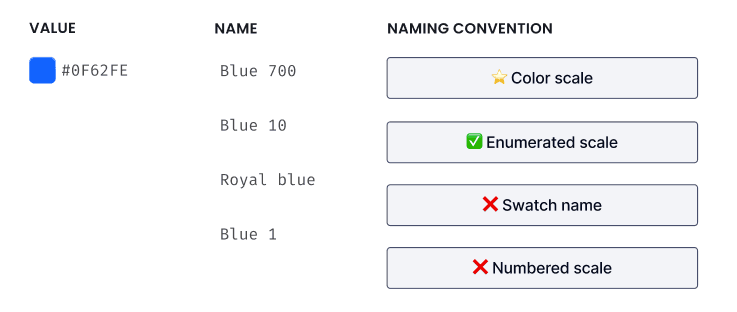
For spacing:
spacing/xxsspacing/xsspacing/sspacing/mspacing/lspacing/xl
For typography (if using string variables):
typography/heading/ltypography/body/s
For colors:
color/primary/500color/neutral/100color/error/700
🧼 Avoid duplication and bloat
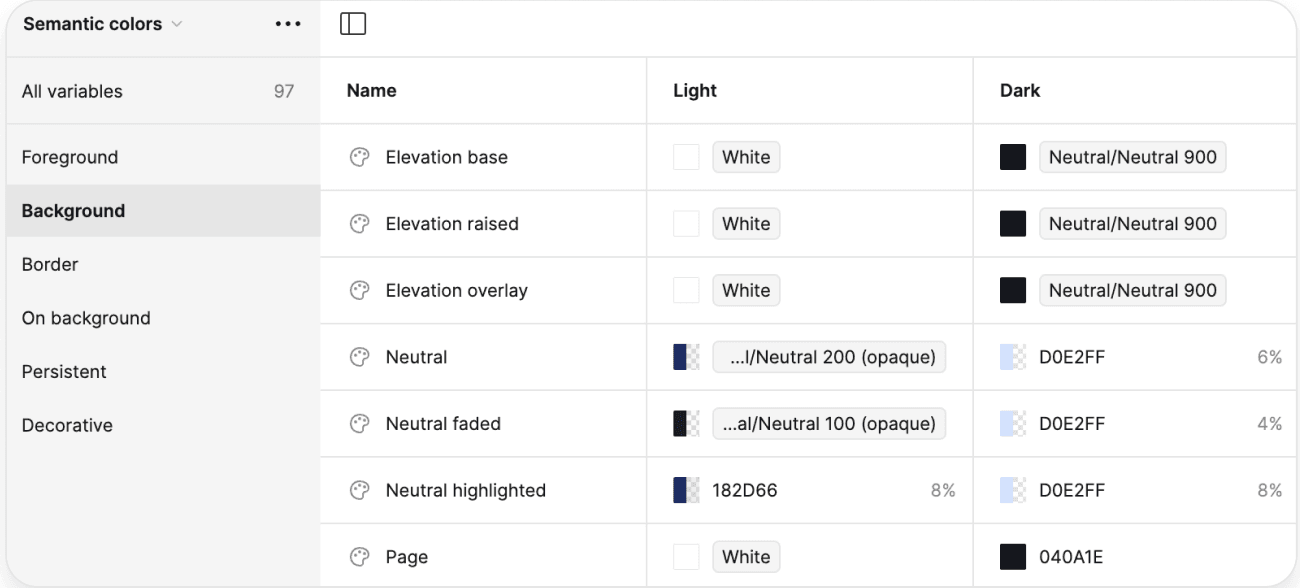
Yes, it’s tempting to create a one-off variable just for that button. Don’t do it. One-off variables create clutter, drift, and technical debt.
Instead:
- Reuse existing variables where possible
- Audit your list regularly
- Clearly mark deprecated or legacy values if you can’t remove them yet
📝 Comment your structure (seriously)
Figma lets you add descriptions to variables and collections. Use this feature.
- Add notes on how variables are meant to be used
- Use visual spacing (empty groups) to create clarity
- Document naming patterns, theme logic, and categories in your design system docs
💡 Tip:
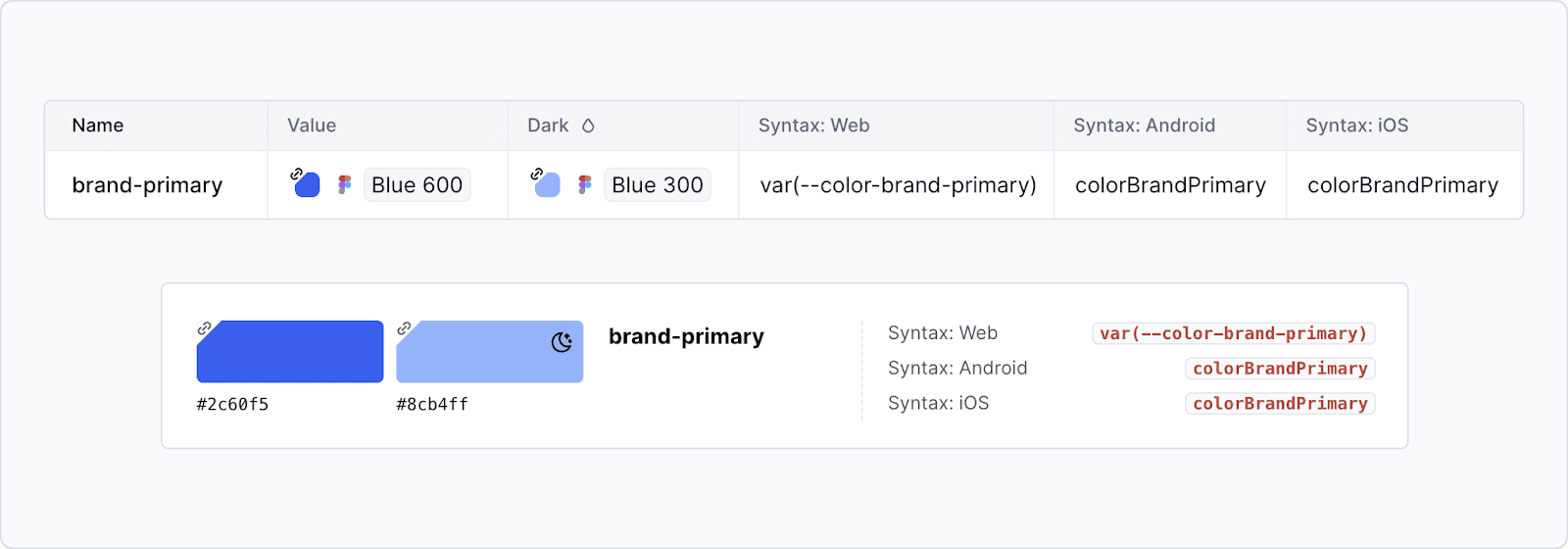
Supernova will import your descriptions and even your intended code syntax — and you can use this info in documentation and code exports later. One note in Figma = less confusion down the line.
TL;DR: Good structure makes everything easier
- Name clearly — your future teammates (and self) will thank you
- Use collections with intent — they power theming and token logic
- Stick to scales — predictable names = predictable systems
- Avoid clutter — don’t let your variable list become a junk drawer
- Document as you go — even a short description can save a lot of guesswork
With a little upfront structure, your Figma variable setup will scale cleanly — across themes, brands, and teams — without turning into a monster.
Give your agents a system worth following
See how Supernova documents, syncs, and serves your system in one place.