AI-Ready Design Systems, Part 2: How to Make Your Design System Fully AI-Ready
How to make your design system AI-ready: five practical steps, from an AGENTS.md and llms.txt to an MCP server, in order of effort.
 Nezar MansourContent Writer
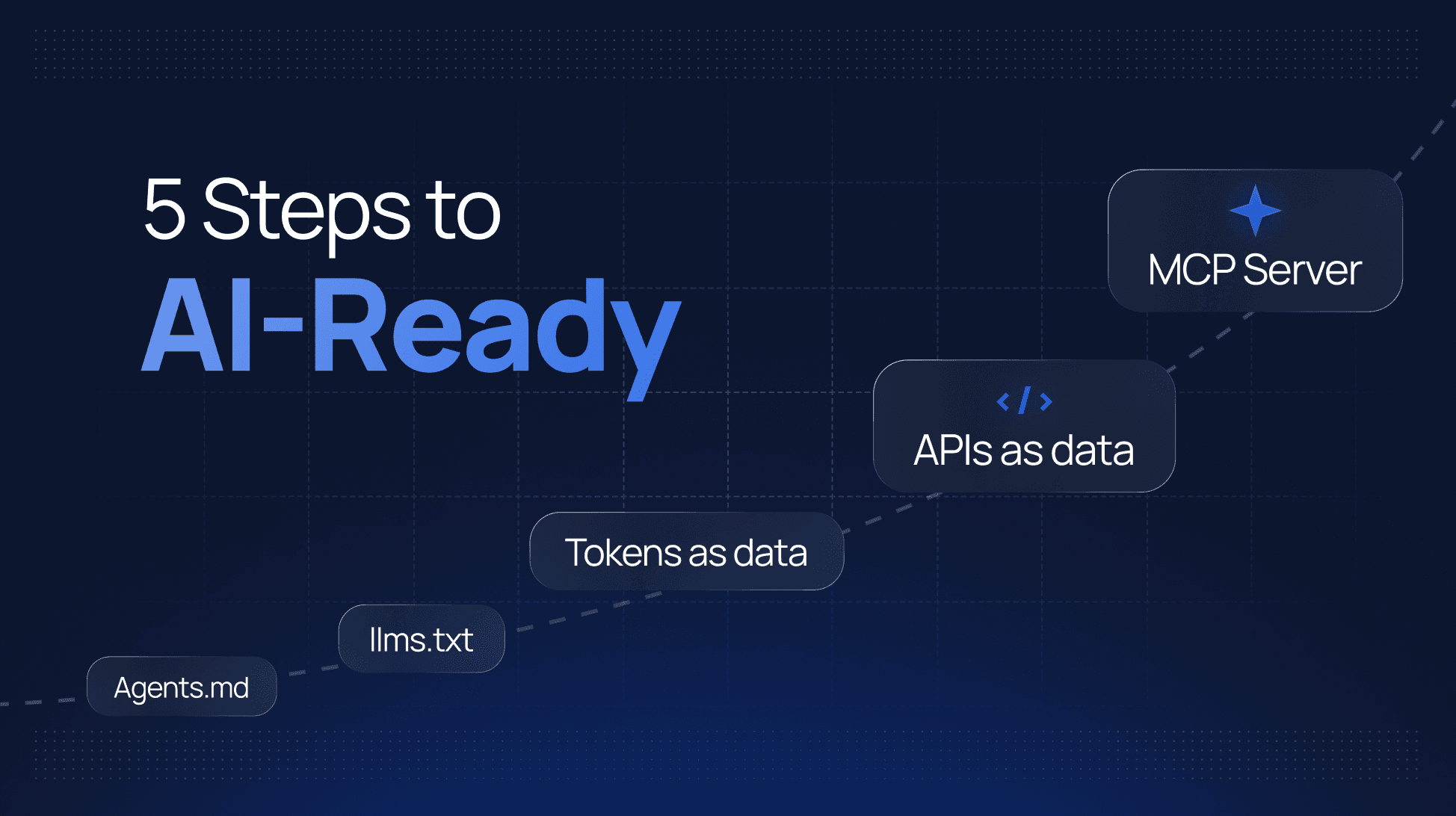
An AI-ready design system is one an agent can find, read and use correctly without a person in between. When an engineer asks their agent for a settings page, it should reach for your components, your tokens and your rules, instead of writing its own button and guessing a hex value.
Most teams assume getting there means restructuring their design system. Usually it doesn't. This is Part 2 of a two-part series. In Part 1 we scored 31 public design systems on how AI-ready they are, and the hard part, publishing tokens and component APIs as data, was close to done almost everywhere. The median score was still 5 out of 10, and nobody scored 10, because of what comes after that: telling agents where everything is and how to use it.
That's what this guide covers. The steps run from the smallest job to the biggest, and for most design systems the first two take about a week in total. If you want the bigger picture on why this matters, we've also written about preparing your design system for AI and the criteria that make a design system enterprise-grade.
What does an AI-ready design system need?
Five things, each of which you can check from the outside:
- Tokens as data, so an agent can read the actual values.
- Component APIs as data, so it knows which props exist.
- Agent access through MCP, so it can ask questions and get exact answers.
- Docs agents can read, so your usage guidance reaches it.
- Agent guidance for the teams using your system, so it knows your rules before it starts.
Each is scored 0 to 2 in Part 1, for a total out of 10. The full scoring table is there if you want to check yourself against it.
Step 1: Write an AGENTS.md for the teams using your design system
Effort: an afternoon.
Write a markdown file for consuming teams' agents. Not contributor instructions: guidance for someone building a product with your system.
What to put in it:
- Which packages to import, and which ones not to.
- How tokens are named, and the rule that hardcoded values are never acceptable.
- The ten mistakes agents make most often with your system. DB UX's list of common AI mistakes is a good model.
- What's deprecated, and what replaces it.
- Where to find more: your MCP server or
llms.txt, once they exist.
Ship it inside the package consuming teams already install, as DB UX and the Porsche Design System do. Then close the discovery gap: add one line to your getting-started docs telling teams to add this to their own AGENTS.md:
Before writing UI, read node_modules/@acme/react/AGENTS.md and follow it.
That line is the difference between guidance that exists and guidance an agent reads.
Step 2: Add llms.txt to your design system docs
Effort: a day or two.
The llms.txt convention is a markdown file at the root of your docs site listing what's there and where. An index pointing at your existing pages is a good start.
The bigger win is making the content itself readable: either an llms-full.txt with the whole of your documentation in one file, or a markdown version of every page linked from the index. Ant Design does both, with over 500 markdown pages linked from its llms.txt. Most docs frameworks can generate the markdown at build time.
Step 3: Publish your design tokens as data
Effort: a few days, if you haven't already.
If your tokens only exist as Sass or CSS variables, add a JSON or JS output to the same build. Style Dictionary does this from one source, and the Design Tokens Community Group format gives you a structure other tools already understand. Carbon publishes its themes as DTCG JSON.
Step 4: Publish your component APIs as data
Effort: depends on your stack.
For React and similar frameworks, ship TypeScript types. For web components, generate a custom-elements.json manifest. For template-based systems, publish the options for each component as data, the way the GOV.UK Design System ships a macro-options.json for every component.
Step 5: Set up an MCP server for your design system
Effort: the biggest job on the list.
An MCP server lets an agent ask your design system a question and get an exact answer: the resolved value of a token, the props a component accepts, whether it's deprecated, what to use instead.
What it should expose, at minimum:
- Tokens with resolved values, per theme.
- Components with their APIs and usage rules.
- Search across documentation.
- Deprecations and their replacements.
Start read-only. You have two routes. Build and maintain your own on the Model Context Protocol SDK (Primer's and PatternFly's servers are open source and worth reading first), or use a platform that serves it for you.
That second route is what Supernova does. Tokens, components and documentation are served over MCP from the same place they're managed, so the server can't drift from the system. Skills are bundled into the server, so a connecting agent already knows how to use your system, which covers step 1 as well. Lookups are unlimited on every plan, including free. See how it works.
The last point
The three systems on 9 in Part 1 (Ant Design, the Atlassian Design System and React Spectrum) are all missing the same thing: guidance for consuming teams. Step 1, the smallest job on this list, is the only thing between each of them and a fully AI-ready design system.
Check how AI-ready your design system is
Before starting, score your system so you know which steps you can skip. The Claude skill below runs the same five checks from Part 1 against your packages, repository and docs site. It gives you a score out of 10, shows the public systems you're closest to, and lists your fixes in the order above. It also asks about access control, adoption data and governance, the three enterprise criteria that can't be checked from outside.
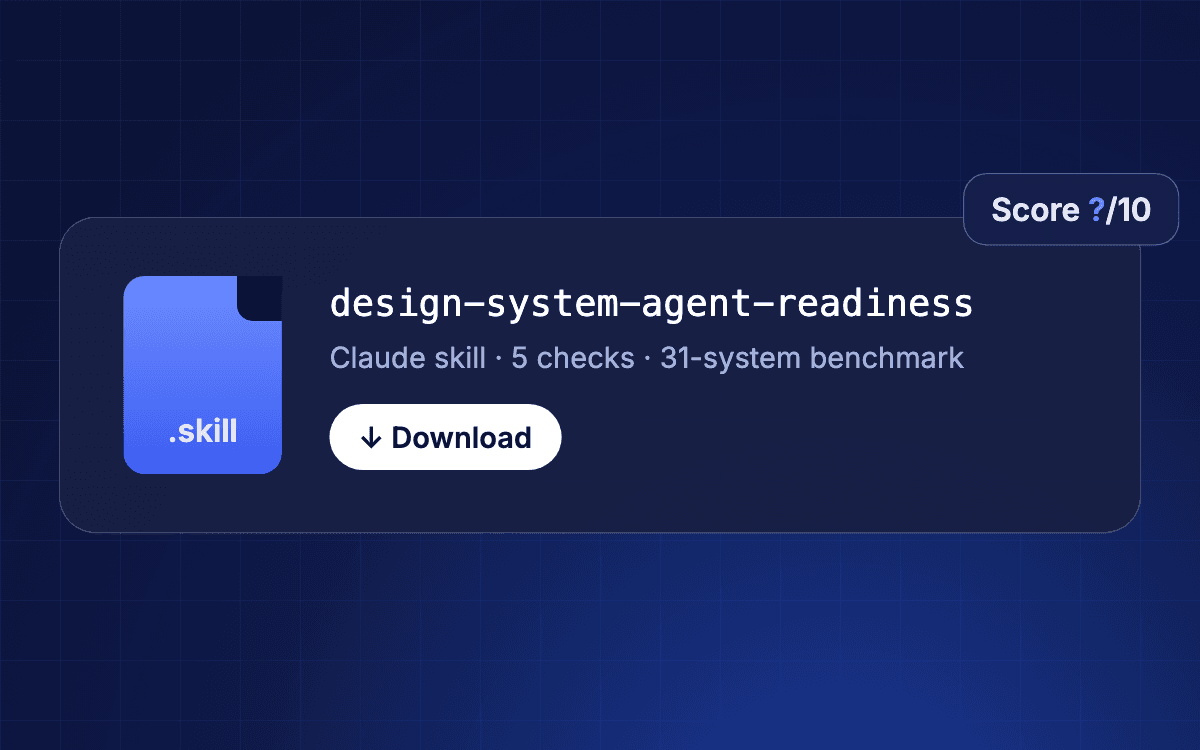
Score your design system
Runs the five checks, gives you a score out of 10, compares you with the 31 public systems and lists what to fix first.
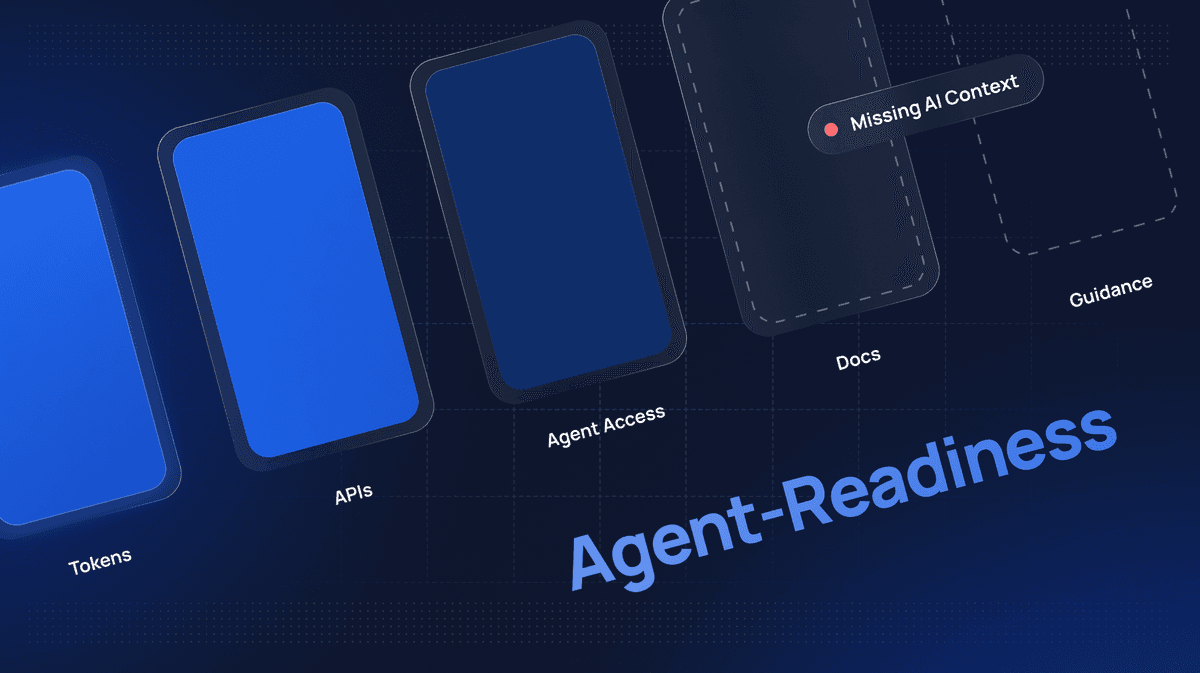
How 31 public design systems score
The full results table, the scoring rubric and what the data tells us.
The full results for all 31 public systems are in Part 1.
Give your agents a system worth following
See how Supernova documents, syncs, and serves your system in one place.