Supernova Agent or Editor MCP: Which to Use for What
Supernova Agent works inside Supernova; Editor MCP works from your own AI tool. Which to use for each job, what each costs in credits, and when to use both.
 Nezar MansourContent Writer
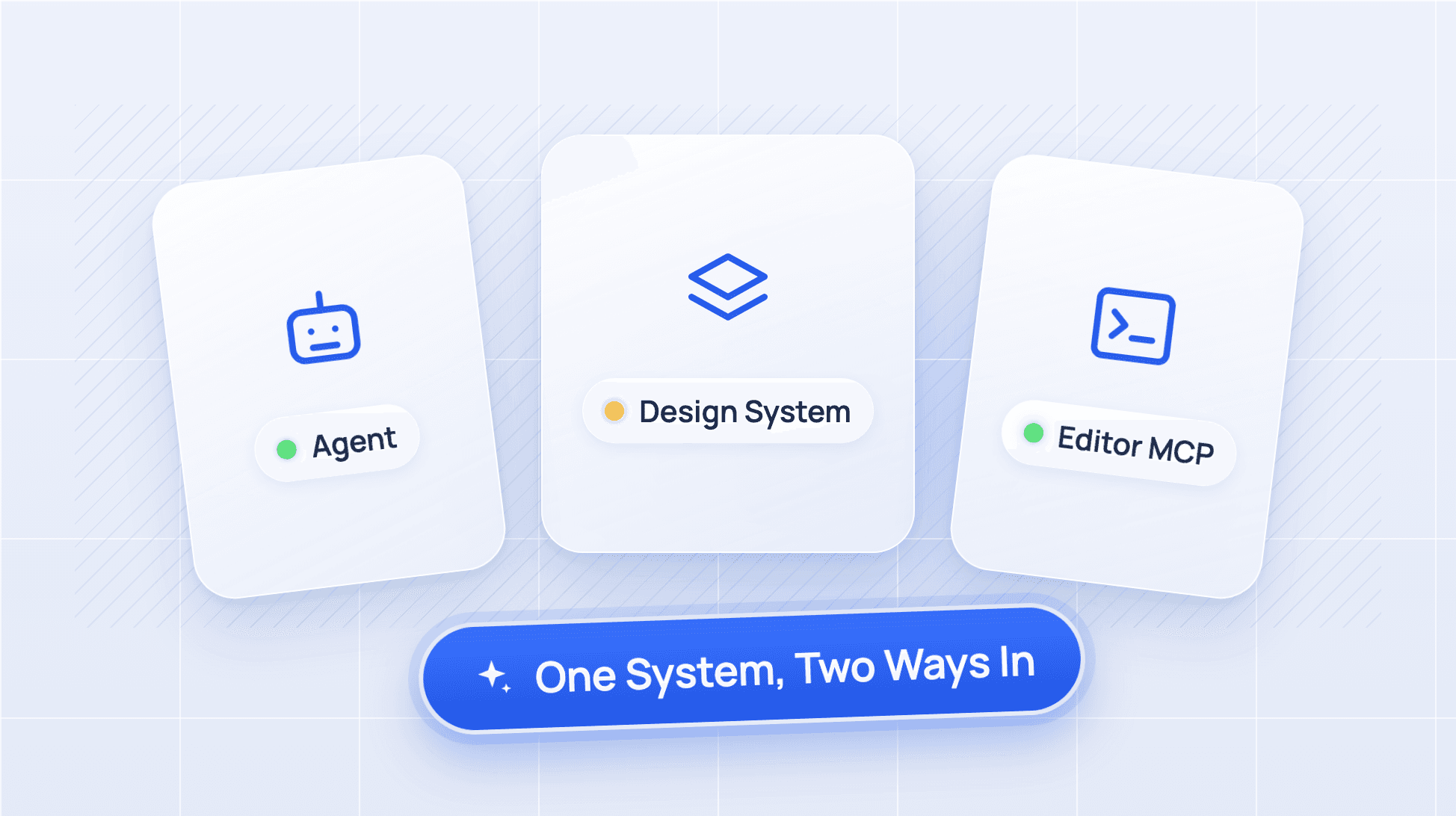
"We already connected Editor MCP to Cursor. Do we need the agent too?"
It's a fair question since Supernova Agent went into public beta on 26 October. Both can write to your design system. Both document components, clean up tokens, link Figma and publish. So which one is for what?
The short answer: Supernova Agent is for work you do inside Supernova. Editor MCP is for work that starts in your own AI tool or touches other tools as well. Most teams that maintain a design system will end up using both.
What's the difference, in one table?
Supernova Agent is an AI agent built into Supernova. You open it from the side navigation and describe the job. Editor MCP is an MCP server that gives the AI tool you already use write access to the same design system data.
| Supernova Agent | Editor MCP | |
|---|---|---|
| Where it runs | Inside Supernova | In Cursor, Claude Code, Codex, VS Code or ChatGPT |
| Setup | None | Add https://mcp.supernova.io/mcp as a connector and sign in |
| Context | Whatever page, token or component you have open, attached automatically | What you tell it, plus any other MCP servers you've connected |
| Design systems | Several in one conversation | One per connector (add a connector per design system) |
| Files | Attach CSVs, PDFs, screenshots, Word and Excel files | Whatever your AI tool can read |
| Who can use it | Contributor, Editor, Admin, Owner | Contributor and above |
| Cost | 50 workspace credits per message | Reads free; 3 credits per change, 5 for heavy changes |
Sources: Agent 101, Editor MCP and Workspace credits on Supernova Learn, checked 5 November 2026. Both are in beta and the credit costs may change.
Both act as the signed-in user, with that user's permissions. Both wait for your confirmation before they publish or delete anything.
The Academy lesson shows the agent on five everyday jobs, from token descriptions to a deprecation:
Which should you use for each job?
Pick by where the work starts and where its inputs live.
| Job | Use | Why |
|---|---|---|
| "Which token should I use for error text?" | Agent | You're already in Supernova, and it answers from what you have open |
| Write the Checkbox page in your house style | Agent | It reads your other component pages without you pointing at them |
Bulk rename space-1…space-8 to space-xs…space-3xl | Either | One prompt in both; the agent shows each change as a chip you can open |
| Create colour tokens from a CSV | Agent | Attach the file to the chat |
| Migrate docs from zeroheight or Confluence | Editor MCP | Your AI tool can hold both connections and move content between them |
| Document a component from its code | Editor MCP | The agent in your editor can read the repo and write to Supernova in the same session |
| Audit before a release | Agent | "List documentation pages that are blank or nearly empty", then fix in the same chat |
| Change several design systems in one go | Agent | One conversation can cover several; Editor MCP needs a connector for each |
The pattern behind the table: if every input is already in Supernova, the agent saves you the setup and the context-pasting. If an input lives in a repo, another docs tool or another MCP server, Editor MCP is the bridge.
This one shows the other side: your design system reached from the AI tools your team already uses.
What does each cost for the same job?
The two are priced differently. The agent charges per message, whatever the message does. Editor MCP charges per change, and reading is free. That makes small, frequent questions cheaper through Editor MCP. Larger jobs done in one message can come out about even.
Three examples, using the published rates:
- One question ("Where is Card documented?"): Agent, 50 credits. Editor MCP, 0 credits, because it only reads.
- Rename eight space tokens: Agent, 50 credits for one message. Editor MCP, 24 credits if the rename runs as eight separate token updates at 3 each, or less if it runs as one bulk action.
- Write one component page, then two rounds of edits: Agent, 150 credits for three messages. Editor MCP, about 15 credits for three documentation edits at 5 each.
Editor MCP leaves a cost out of that comparison: the AI tool on the other end. Cursor, Claude and ChatGPT bill you separately for their own usage. The agent's 50 credits cover the model as well.
For scale, Starter includes 1,000 workspace credits a month, about 20 agent messages. Pro includes 10,000, about 200.
What can't they do?
A few limits worth knowing before you plan work around either one:
- No one-click undo: Neither has an undo button yet. Documentation edits show up in page history, so you can restore a page. For anything else, ask for the revert in the same conversation and check the result.
- Nothing that originates outside Supernova: Editor MCP can't create Figma components, code components, Storybook stories or assets. Those come in through their own sources.
- No workspace administration: Editor MCP can't create design systems or versions, or change member roles.
- Viewers get read-only access: Anyone without Contributor access reads your system through Consumer MCP, which can't make changes.
Using both together
A split that works well is by phase.
- Bring the system in through Editor MCP. Your AI tool reads the old docs site or the code and writes pages, tokens and components into Supernova.
- Maintain it with the agent. Day-to-day fixes, audits and publishing happen where the system now lives.
- Hand the results to coding agents. The agent can turn a guidelines page into a skill, and contexts package what your engineers' agents read through MCP.
That third step is why either tool matters. A guideline written for people tells an agent what to think. Skills, tokens and component data tell it what to output. Both tools spend most of their time keeping that structured layer accurate, which is the part of an agentic design system that goes out of date first.
Start with one job you've been putting off
If you've never used either, open the agent and ask for an audit: "Which documentation pages have never been published?" It needs no setup, and it shows you what changing things in chat feels like.
If your team already lives in Cursor or Claude Code, connect Editor MCP and give it the migration or code-to-docs job instead.
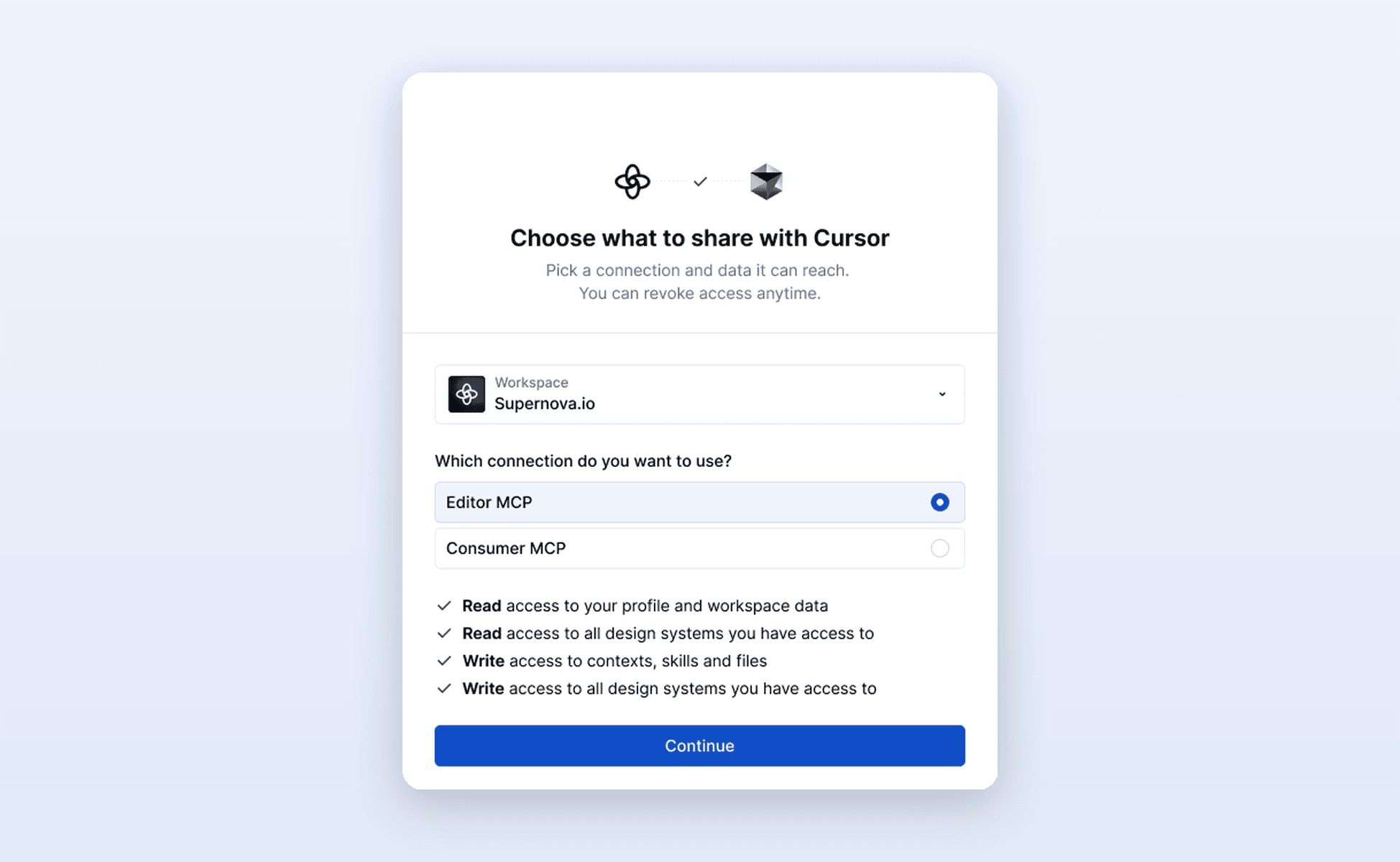
Pick Editor MCP at sign-in to get write access. Consumer MCP is the read-only connection.
Give your agents a system worth following
See how Supernova documents, syncs, and serves your system in one place.