MCP Servers for UI Design, Grouped by What They Return
Which MCP server for UI design? Figma, Storybook, shadcn and design system servers each return something different. What each gives back, and what to connect.
 Nezar MansourContent Writer
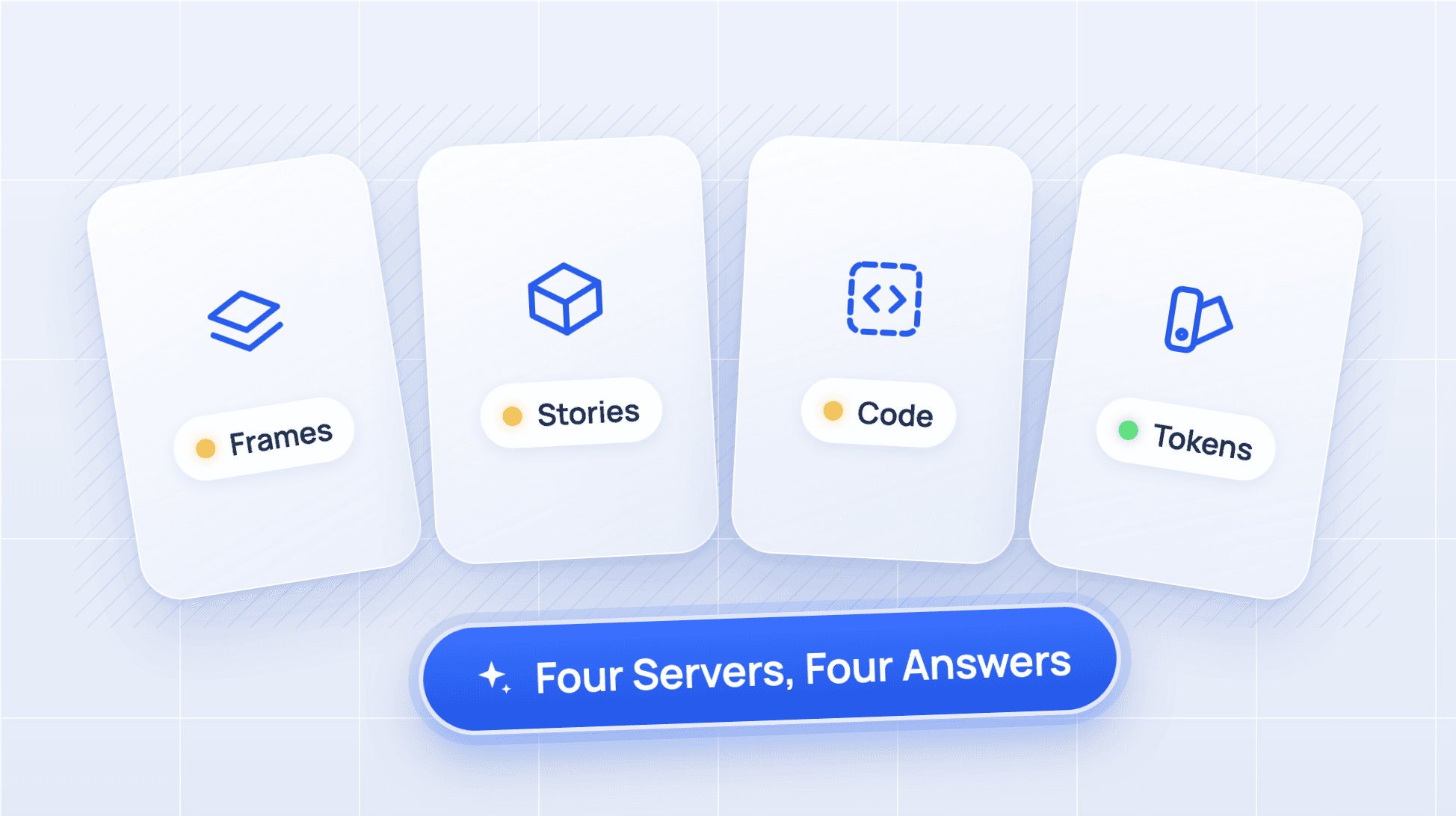
"Which MCP server should I connect for UI work?" is the wrong first question. The better one is: what does my agent need back?
MCP directories list design servers side by side, as if they did the same job. They don't. An MCP server for UI design returns one of four things: a design file, a rendered component, component source code, or your design system's tokens and rules. Each one answers a different question, and each one leaves a gap.
This guide sorts the main options by what they return, shows a typical call for each, and ends with a table for choosing.
What Is an MCP Server for UI Design?
An MCP server is a small service that gives an AI agent tools and data through the Model Context Protocol, the open standard agents like Claude Code and Cursor use to call outside systems. An MCP server for UI design is one whose tools return something about your interface: frames, components, code or rules.
The four kinds, at a glance:
| Kind | Example server | What comes back | Question it answers |
|---|---|---|---|
| Design file | Figma MCP server | Frames, layout, variables, generated code | What did the designer draw? |
| Rendered component | Storybook MCP addon | Stories, previews, component docs | What does it look like when it runs? |
| Component source | shadcn MCP server | Registry items with their code | What code do I install? |
| Design system rules and tokens | Supernova MCP | Tokens, resolved values, components, guidelines | What is allowed here? |
If you already know you want a design system vendor's server, our comparison of design system MCP servers covers who has one. This guide is for the step before that.
1. Design File: the Figma MCP Server
Returns: the layers, layout and variables of a Figma selection, plus code generated from it.
Figma's server runs remotely at https://mcp.figma.com/mcp or locally through the desktop app. Its read tools include get_design_context, get_variable_defs, get_screenshot, get_metadata and search_design_system, according to Figma's tools reference (checked 3 November 2026). A typical call:
get_design_context (selection: the "Checkout / Summary" frame)
What comes back is design context and code for that frame. Figma's reference says that by default the output is React and Tailwind, and you can ask for another framework in the prompt. get_variable_defs returns the colour, spacing and type variables the selection uses.
What it misses: it describes what was drawn, not what exists in your codebase. Unless your components are mapped with Code Connect, the generated code is new markup that looks like your button rather than an import of your button. The desktop server also needs a Dev or Full seat on a Professional plan or above, per Figma's overview.
2. Rendered Component: the Storybook MCP Addon
Returns: your stories, live previews of them, and component documentation from a manifest.
Storybook's addon, @storybook/addon-mcp (version 10.6.5, published 27 October 2026), serves an MCP endpoint from your running Storybook at /mcp. Reading the package itself, it groups its tools into three toolsets:
- dev:
stories-preview,get-storybook-story-instructionsandstories-changed, for writing stories and previewing them. - docs:
docs-list,docs-showanddocs-show-story, for listing components and reading their documentation. - test:
test-run, for running component tests.
A typical call looks like this:
docs-show (component: "Button")
What comes back is the documentation Storybook holds for that component, built from a components manifest. That manifest is the catch. The addon's own status page says the docs toolset "requires a components manifest, which your framework does not generate" on frameworks without support, so check Storybook's framework list first.
What it misses: it knows your components as they render, not the rules for choosing between them. Tokens show up only as they appear in a story. And it runs on a developer's machine, so every person and agent needs Storybook running locally.
3. Component Source: the shadcn MCP Server
Returns: registry items, meaning component code plus its dependencies, ready to install.
The shadcn server starts with npx shadcn@latest mcp. In shadcn 4.23.0 its tools are get_project_registries, list_items_in_registries, search_items_in_registries, view_items_in_registries, get_item_examples_from_registries, get_add_command_for_items and get_audit_checklist. It works with any registry that follows the shadcn spec, including private company registries. Here is a typical call, and an excerpt of the registry item it reads (fetched 3 November 2026):
view_items_in_registries (items: ["@shadcn/button"])
{
  "name": "button",
  "dependencies": ["cn", "radix-ui"],
  "files": [{
    "path": "registry/new-york-v4/ui/button.tsx",
    "content": "... variants: { variant: { default: \"bg-primary text-primary-foreground hover:bg-primary/90\", destructive: ..."
  }]
}
That's real, resolvable output: actual code, actual variant names, actual classes.
What it misses: your team's rules for using that code. When we gave an agent the shadcn MCP and 3 UI tasks, it broke the team's rules 20 times across 9 runs without a rules file, and found a generic AlertDialog where the team had its own confirm dialog.
4. Design System Rules and Tokens: Design System Platforms
Returns: tokens with resolved values, components with their properties, and documented guidelines, read from the system of record.
Design system platforms sit here, including Supernova, zeroheight and Knapsack, though what they hand back differs: zeroheight's returns documentation pages, while Supernova's returns entities like a token and its value. Supernova's server exposes tools such as sn_get_token_list, sn_get_token_detail, sn_get_component_detail and sn_search. A typical call looks like this:
sn_get_token_detail (tokenIds: [<id of the primary action colour>], themes: ["dark"])
What comes back is the token's resolved value with the dark theme applied, with aliases followed through to a literal value, plus where the token came from. A documentation search returns the guideline passages that cover a topic, such as "dialog footer".
What it misses: it doesn't see a frame someone drew this morning, and it doesn't render the component. It answers "what is allowed and what is the current value", which is the question the other three leave open. Supernova's MCP lookups are unlimited on every plan, including the free Starter plan, and connecting it to Claude Code, Cursor, Codex or VS Code takes a few commands.
Which MCP Server Should You Connect?
Most teams doing UI work with agents end up with two: one for the source of truth and one for the work in front of them.
| If your agent needs to... | Connect | Pair it with |
|---|---|---|
| Build a screen from a new Figma design | Figma MCP | A design system server, so it uses your components and tokens |
| Reuse components that already exist | Storybook MCP (with a manifest) or a design system server | Figma, when the screen is new |
| Install open-source components | shadcn MCP | A rules file or design system server for team rules |
| Follow your tokens, themes and usage rules | A design system server | Figma or Storybook for the specific task |
The pattern behind the table: design files and component code are things an agent can read. Your rules, current token values and themes are things it has to resolve, and only a server connected to the system of record can return those.
Start With the Gap You Already See
Look at the last piece of agent-built UI your team rejected. If it got the layout wrong, connect the design file. If it rebuilt a component you already had, connect your components. If it used the right component with the wrong colour, wrong variant or a rule nobody wrote down, the missing piece is your design system, and that's the server to connect first.
Give your agents a system worth following
See how Supernova documents, syncs, and serves your system in one place.