What Is Figma Code Connect and How to Use It in 2026
Figma Code Connect links your coded components to their Figma counterparts. What it does in 2026, how to set it up, and why it now matters for AI agents.
 Beatriz NovaisSolutions architect
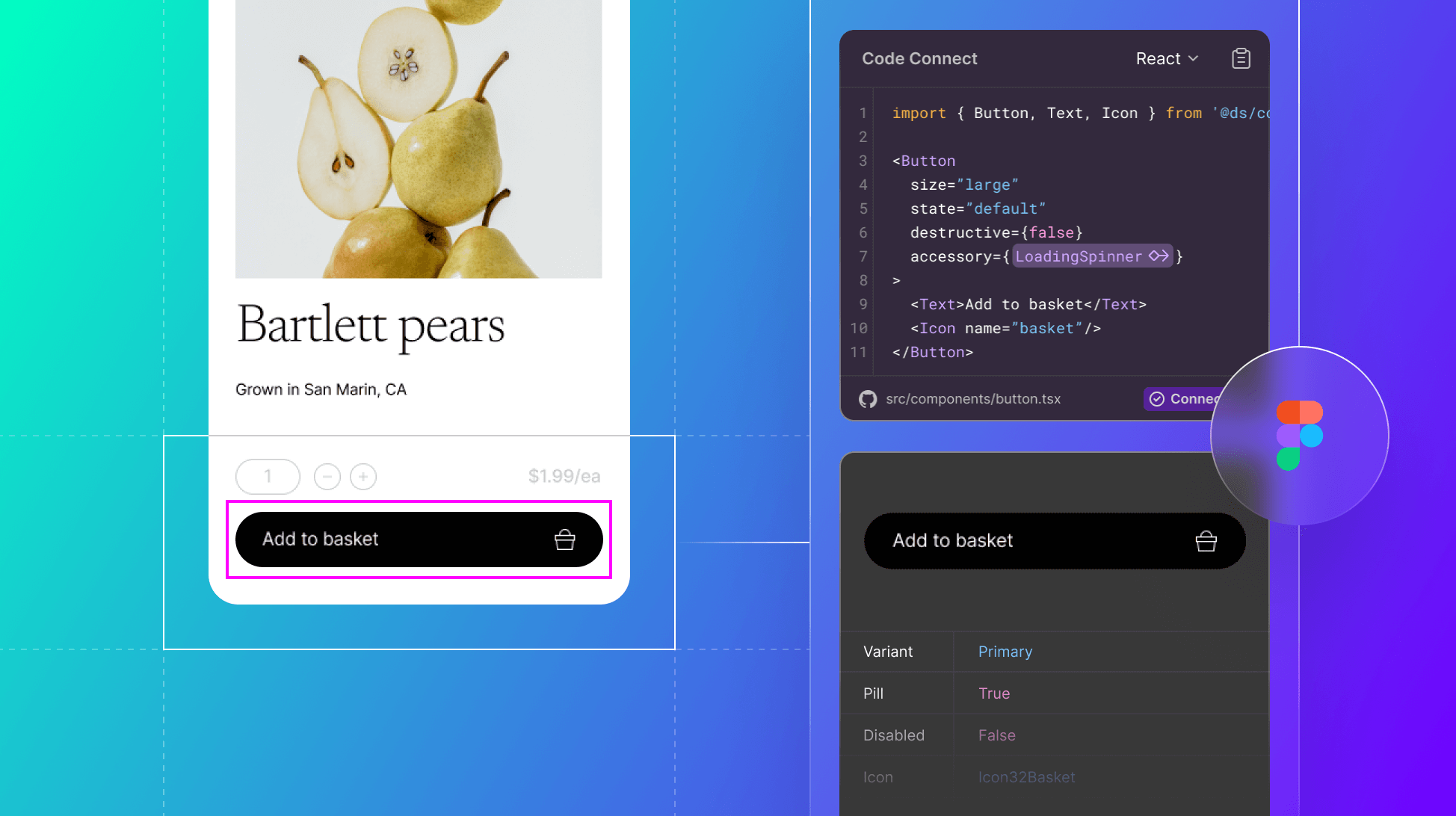
Figma Code Connect links the components in your codebase to their counterparts in Figma, so Dev Mode shows your real component code instead of auto-generated snippets. Since Figma launched it at Config 2024, it has picked up a second job that now matters more: it is how Figma's MCP server tells AI agents which of your components to use.
This guide covers what Code Connect does, who can use it, how to set it up, and what changed if you adopted it early.
What is Figma Code Connect?
Code Connect is a Figma feature that maps each component in your design files to the matching component in your code. When a developer inspects a design in Dev Mode, they see the import statement and the usage code your team actually writes, with the props filled in from the design.
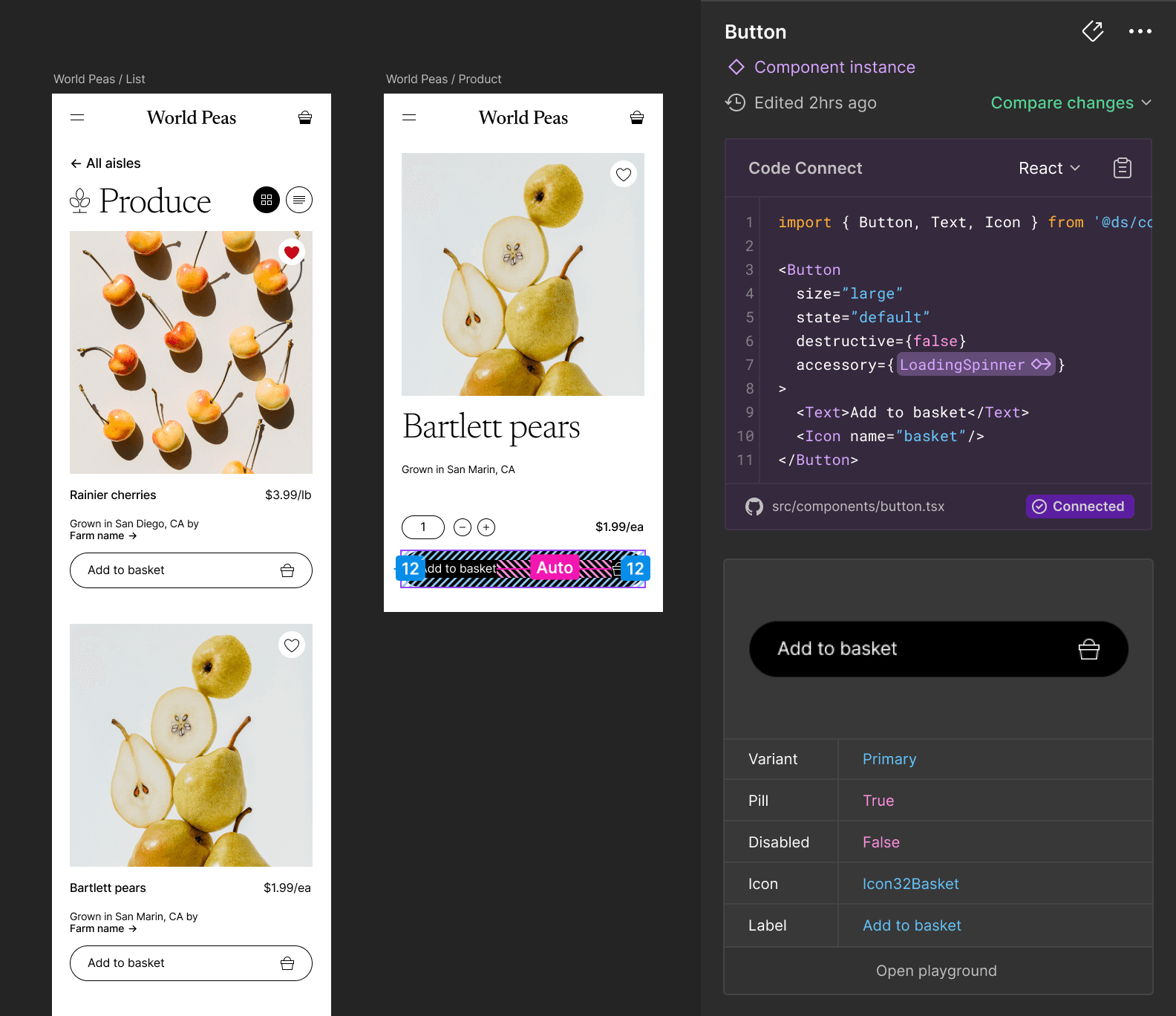
Image source: Figma
The mapping covers properties as well as components. If a designer sets a component to its destructive variant with a loading state, Code Connect translates that into the matching props in code, so nobody has to work out the equivalent by hand.
What has changed since 2024?
If you read about Code Connect when it launched, several things are now different.
| At launch (2024) | Now (2026) | |
|---|---|---|
| How mappings are written | Framework-specific parsers | Template files, which work the same way for every framework |
| Frameworks | React, SwiftUI, Jetpack Compose | React and React Native, HTML (including Web Components, Angular and Vue), SwiftUI, Jetpack Compose |
| Setup | Command line only | Command line, or Code Connect UI inside Figma |
| AI agents | Not part of the picture | Feeds real component code to agents through Figma's MCP server |
| Plans | Organization and Enterprise | Organization and Enterprise, unchanged |
The biggest change is the move to template files. Figma stopped updating the legacy parsers on 17 August 2026. Template files are TypeScript or JavaScript functions that Figma runs as code, so conditional logic such as a ternary is evaluated properly instead of appearing verbatim in the snippet. The current release is version 2.0.1, from September 2026.
Who can use Code Connect?
Code Connect is available on Figma's Organization and Enterprise plans, and it requires a full Design seat or a Dev Mode seat. If your team is on a Starter or Professional plan, you would need to upgrade to use it.
How do you set up Code Connect?
There are two routes.
- Code Connect UI. Map components inside Figma, without the command line.
- The Code Connect CLI. Install it from npm, write template files that describe how each component maps to code, and publish them to Figma. This is the route for anything beyond simple one-to-one mappings.
There is also a shortcut for writing template files. Figma's plugin works with an approved MCP client and includes a Code Connect skill that creates template files from a Figma URL. In Claude Code, for example, the agent inspects the Figma component, finds the matching component in your codebase and writes the .figma.ts file for you.
If you adopted Code Connect in 2024, your mappings probably use the old parsers. They still work through older CLI versions, but they will not get fixes. Figma's migration guide covers moving to template files.
Why does Code Connect matter more now?
Code Connect was built for developer handoff. Its more important job in 2026 is telling AI agents what to build with.
When an agent in Cursor, VS Code, Windsurf or Claude Code reads a design through Figma's MCP server, it can see how the design looks. Without Code Connect, it has to guess which of your components produces that look, and it often writes its own. With Code Connect, the server passes along the component's current property values, its import statement and the actual usage code.
That is the difference between an agent reading a design and resolving it. A screenshot of a dropdown tells the agent what you want. A mapped component tells it which dropdown to use, from which package, with which props. For how the different design system MCP servers compare, see our breakdown.
Does Code Connect replace design system documentation?
No. Code Connect answers one question well: which code matches this component. A design system has to answer many more, and Code Connect does not cover:
- The principles and guidelines behind the system
- When to use a component, and when to reach for something else
- Accessibility guidance
- Brand voice and tone
- Version history and changelogs
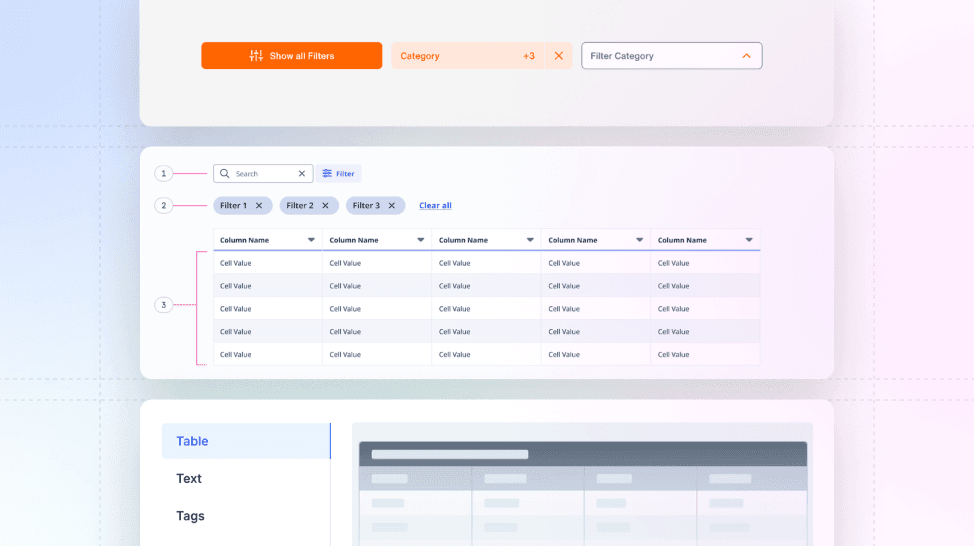
Those live in documentation, and they matter to more people than developers. Brand managers, QA specialists and product managers all use a design system, and a documentation site is still the most inclusive place to bring them together. Supernova's customer showcase shows how varied that content gets, and we have written about how teams document their guidelines.
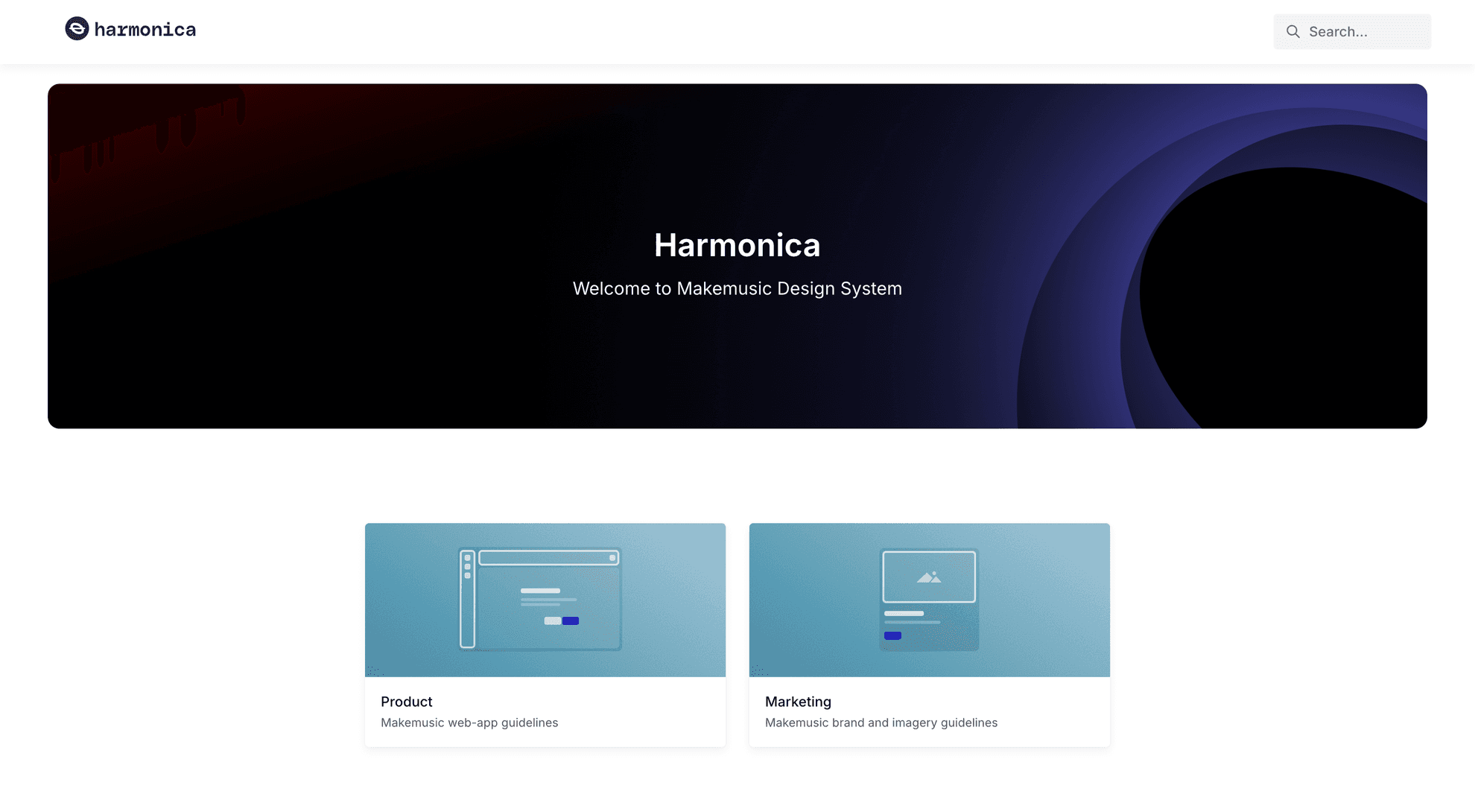
MakeMusic's design system, Harmonica, is a good example. It has separate sections for Product and Marketing, which is the kind of content Code Connect was never designed to hold.
Where Supernova fits
Code Connect maps components to code. Supernova serves the rest of the design system, including tokens, documentation and guidelines, to the same agents over MCP. Between the two, an agent can know which component to use and how your team intends it to be used. If you want to try it, here is how to connect Supernova to Claude Code, Cursor, Codex and VS Code.
Start with the components your agents use most
If you are setting Code Connect up now, don't try to map the whole library at once. Start with the handful of components your team and your agents reach for most, such as inputs, buttons and the layout primitives your product is built on. Map those, ask an agent to build a screen with them, and check whether the code it writes uses your components. That tells you quickly whether the mappings are doing their job.
Give your agents a system worth following
See how Supernova documents, syncs, and serves your system in one place.